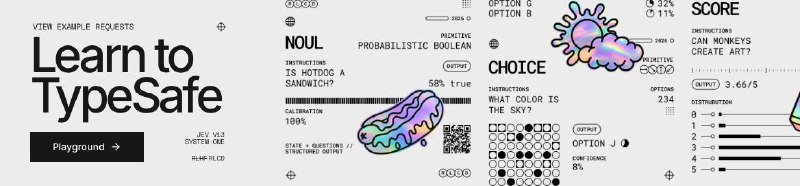
Remember I wrote about Jev https://myitnotes.dev/en/post/instrument-jev-ii-kotoryi-ne-umeet-govorit-tolko-reshat-411 - the model from TypeSafe that doesn't write text but only chooses from options, answers yes/no with a probability or gives a score on a scale? Back then I applied for access. Access was granted, and I finally got around to connecting it.
I connected it as a skill to my Claude Code: I tell it "run it through Jev" - it puts together the questions and options itself, sends them and brings back the answer with probabilities.
The first live run - three sites from a link exchange with descriptions and the question "does it fit our placement policy". The answer: 83% / 2% / 40%. So we take the first, skip the second, and I check the third by eye. It used 483 tokens.
At the same time I checked what I hadn't checked last time - language. The same message in Ukrainian, Russian and English gave almost identical answers (difference up to 0.01). But it's more reliable to write the questions and options themselves in English.
Money-wise - my 6 test requests came to 4,428 tokens, $0.0002 spent. That's not a typo :)
Where I'll use it: picking sites on link exchanges, sorting client messages by topic and urgency, weeding out junk queries from a Keyword Planner export, checking whether a page matches the search intent. The scheme is the same everywhere - code finds the candidates, Jev makes the call on each one, and I decide the threshold and what to do next.
What it doesn't do: it doesn't explain why it chose what it did, and it's bad at dates and numbers - I leave that to code.
If you want it for yourself, here's the instruction for your AI:
Install the TypeSafe skill. If you're in Claude Code, run claude plugin marketplace add typesafe-ai/skills, then claude plugin install typesafe@typesafe-ai. If you're in another agent, run npx skills add typesafe-ai/skills --skill typesafe-ai and select your agent. Use one installation method. You can read the skill directly at https://github.com/typesafe-ai/skills/blob/main/skills/typesafe-ai/SKILL.md (raw: raw.githubusercontent.com/typesafe-ai/skills/main/skills/typesafe-ai/SKILL.md). Then use the TypeSafe skill when working on this project.