How to set up /remote-control.
1. On the server/main PC, launch Claude Code with the flag:
claude --remote-control
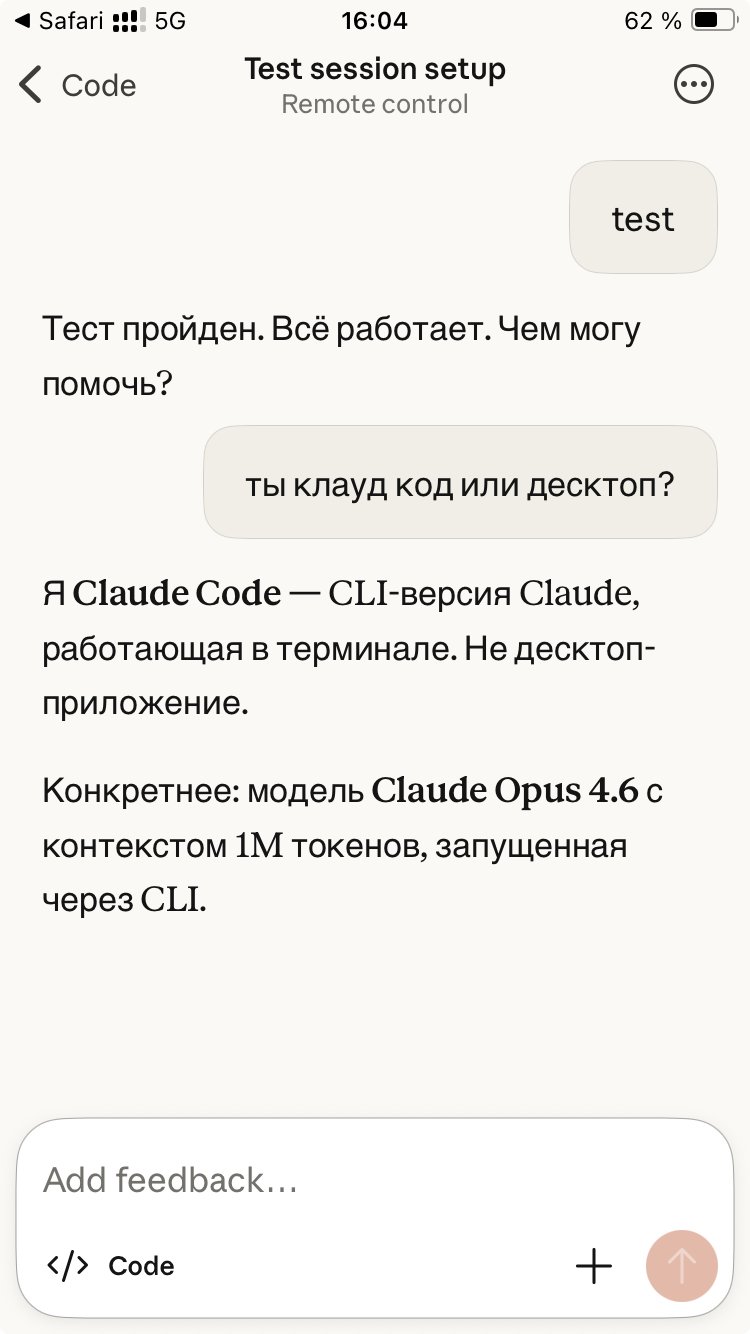
2. After launching, Claude will output a URL and connection code (or QR code in some versions).
3. On your phone/another device, open this URL in a browser and enter the code for authorization.
After that, you'll be able to send prompts and see responses through the web interface (or app on your phone) while Claude Code is running on the server.
I already have a Telegram gateway set up for such purposes, but I'll use this method too!